


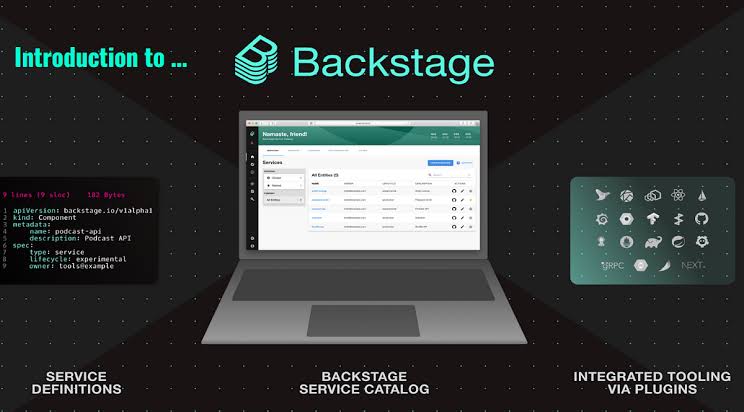
The software development cycle is one of the most crucial things you need to manage in your organization. It is the process that describes when your software will be ready to launch. You can get assistance by using Backstage to boost the development process. However, you may observe a lack of visibility when doing so. For enhanced visibility and control in your development environment, you can integrate Kubernetes plugins with Backstage.
However, this integration can be challenging for you as you have to follow different steps to do so. Don’t worry! We are here to help you in this regard. Today, we will provide you with a detailed guide on the integration of Kubernetes Backstage plugins. This guide is simple and enables you to carry out this integration process. Let’s explore this guide without further ado.
A Stepwise Guide to Integrate Kubernetes With Backstage
The following section is all about the different steps involved in integrating Kubernetes Backstage plugins. Let’s delve into the details of these steps.
Step 1: Install Frontend Plugins
You have to initiate the integration by installing frontend Kubernetes plugins. This installation will bring Kubernetes plugins to your Backstage application. The whole process is quite simple and quick. You have to go to the Backstage root directory and use a command to install them. The command for this installation process is:
yarn add –cwd packages/app @backstage/plugin-Kubernetes
Step 2: Import The Plugins
The next step is to import the installed Kubernetes plugins. To do so, you can simply add a Kubernetes page to the respective catalog pages of the Backstage application. After doing so, you can set an optional refresh interval for the content as well. It can be set with a default time of 10 seconds. This refresh interval ensures that the information on the respective catalog page is updated.
Step 3: Install Backend Plugins
After installing frontend plugins, you have to Install Kubernetes backend plugins as well. The installation process will be similar to the one you used for front-end plugins. This time you have to navigate the backend directory of the backstage. The main difference is in the use of commands. You have to use a different command for the backend plugins. The command is:
yarn add –cwd packages/backend @backstage/plugin-Kubernetes-backend
Step 4: Create a Backend File
Now you have to create a file for backend plugins. Name the file Kubernetes.ts and keep it in a specific directory backstage. This file will contain specific codes for creating and configuring a router. These routers in the backend development play a crucial role in managing different endpoints within the Backstage application.
This step is important because it sets up the whole backend infrastructure that collaborates with Kubernetes plugins. These plugins then manage the deployment of the applications. In short, this step plays a crucial role in the overall architecture of the functionality of the Backstage application. It becomes more maintainable and scalable.
Step 5: Import the Backend Plugins
In this step, you have to import the backend plugins. To do so, you need to go to the file named “index.ts”. Here you can find the newly installed Kubernetes backend plugins. Now you have to use specific lines of codes to integrate the Kubernetes functionality into the overall setup of your Backstage application. It will connect the features you created in Kubernetes.ts to the main backend of your Backstage.
Step 6: Custom Cluster Configuration
It is an optional step and you can opt for it when you find the default refresh system is not helpful. If the default settings for cluster configurations are not suitable for your requirements, you can opt for customization. This customization allows you to add flexible refresh intervals.
Step 7: Configure the Plugins
After integration, you need to configure the plugins. It is an important step as it helps you configure the plugins as per your specific needs.
Step 8: Troubleshoot
This is not a mandatory step. You have to perform it only when needed. If Kubernetes information is not displaying, you can opt for troubleshooting the problem.
Bottom Line
There you have it! Now you are all set to integrate Kubernetes plugins with Backstage. This integration is to make things easy for developers. Therefore, pay attention to your organization’s needs when integrating to get maximum benefits.
